
Case study: Business Intelligence Platform for an unlisted stock trading company
Open-source powered
business intelligence platform
This study case describes the external cloud-based database, in our case Supabase, sync integration implemented in a WordPress Environment as a data gathering, aggregation and synchronization system for an advanced business intelligence platform serving an unlisted stock trading company.
The Challenge: Streamline online business operations while maintaining legal, marketing and branding standards
The constraint was server load. WordPress already ran the public site and the trading workflows, and ran them well. A second job that aggregates business records and ships them to an analytics database could not cost a millisecond on a page someone is waiting for.
That ruled out reporting queries pointed at the live tables, which compete with customer traffic, and scheduled full-table refreshes, which move heavy payloads on a fixed clock and still leave statistics hours behind.
What remained had to satisfy four things at once. Reporting close to live, within seconds of an order or registration. Enough capacity for import runs touching every company record in one pass. Aggregated financial indicators rather than simple counts. Filterable exports staff can pull without a developer.
Moving data fast is easy when cost is ignored. Doing it invisibly meant deciding which events matter and what inside them actually changed.
The overall solution
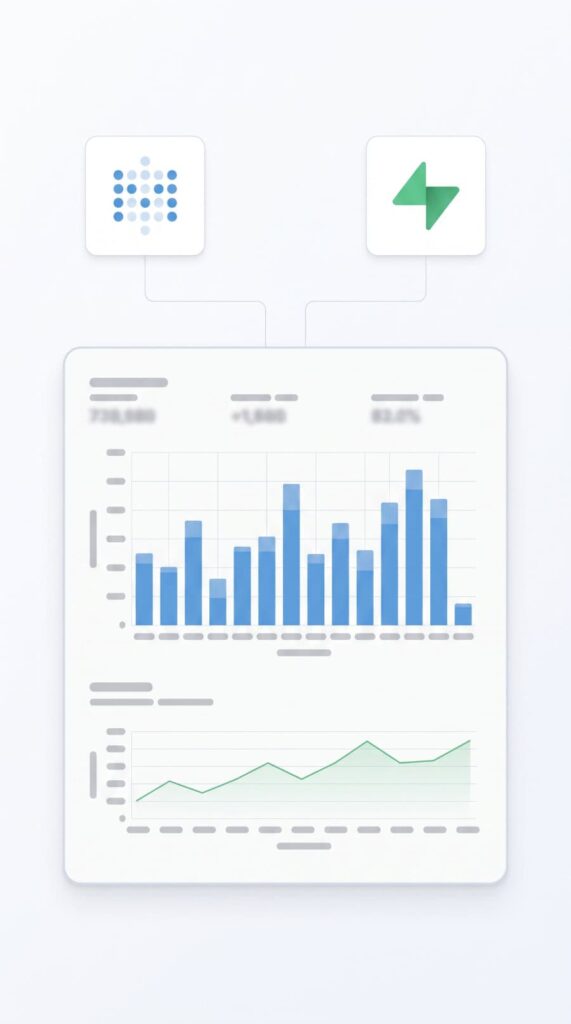
The system is a standalone analytics application integrated with Metabase. It acts as a middleware layer that collects operational and transactional data from WordPress, transforms it into structured records, and synchronizes it to an external cloud-based database for reporting, analytics, and downstream business intelligence use cases.
It does not rely on scheduled batch jobs for its core flow. Instead, it uses WordPress events and hooks. This makes the platform highly responsive and keeps reporting data current in near real time.
In practical terms, the system connects informational data with an external cloud-based database that can be queried by reporting tools, dashboards, and business intelligence workflows.





The Approach
The workflow is straightforward and event-driven:
- Business activity occurs in the WordPress environment, such as a new user registration, an order submission, or a company update.
- The integration layer detects the event and prepares the relevant data for transfer.
- The mapping layer selects the correct fields, combines related records, and transforms them into a structured payload.
- The transport layer sends the payload to the external cloud-based database.
- The destination data becomes available for reporting, dashboards, and business intelligence analysis.
- The BI Platform has a clean source to pull data from in a performant way
This creates a continuous flow of operational information from the source platform into a reporting-ready environment without the need for manual data handling.

Architectural Overview
- Bootstrap Layer: initializes the integration and prepares the system for operation.
- Handler Layer: listens to business and platform events and triggers synchronization when relevant data changes.
- Query and Mapping Layer: builds structured datasets from the source system by selecting the correct fields and transforming them into usable business records.
- Transport Layer: connects the platform to the external cloud-based database and performs the actual insert, update, and delete operations

Governance and Data Quality Controls
Exclusion. Selected users and their related records stay out of the sync entirely. Test accounts and staff activity never reach live reporting, and privacy or policy exclusions get handled at the source rather than in the dashboard.
Auditable surface. The synchronized schema is fixed and documented, so what leaves the platform is a known list rather than a moving target. Reviewing exposure means reading one mapping, not auditing a pipeline.
Change detection. Before any write, the handler checks whether a meaningful field actually changed. Unchanged records generate no traffic, which keeps both the server and the destination database quiet.
Export backup. The CSV export doubles as a recovery path. If the destination database is damaged, the datasets can be rebuilt from a known-good file.